How it works
The Reward Jar lets you hand someone a treat without spending their points. You choose who gets it, then either pick a treat yourself (Select) or spin the wheel (Spin).
Treats in the jar come from Manage → Rewards. If the jar is empty, add a reward there first.
Select works on free. Spin needs Chorish Plus — see What is Chorish Plus?.
Open the Reward Jar
- On the home dashboard, tap the jar icon in the top bar.
- The Reward Jar screen opens.
Don’t see the jar? Check Manage → Rewards — rewards need to be turned on, and you need at least one reward set up.
Give a treat
1. Choose who gets it
Under Who gets a treat from the jar?, tap a person’s avatar. You can’t Select or Spin until someone is chosen.
2. Select or Spin
Use the tabs at the top:
Select
- Tap the treat you want (e.g. “Extra bedtime story”).
- Confirm to give it.
Spin (Chorish Plus)
- Tap the centre of the wheel (Tap to spin).
- When it lands, tap the treat card to give it — or tap the wheel again to spin once more.
3. After it’s given
You’ll see a Got it! screen with the treat and who received it. Tap Tap to pick from the jar again for another round, or close when you’re finished.
There’s no undo once a treat is given, so check the person and the treat before you confirm.
History and certificates
- In the Reward Jar, tap History.
- Filter by Everyone or one person.
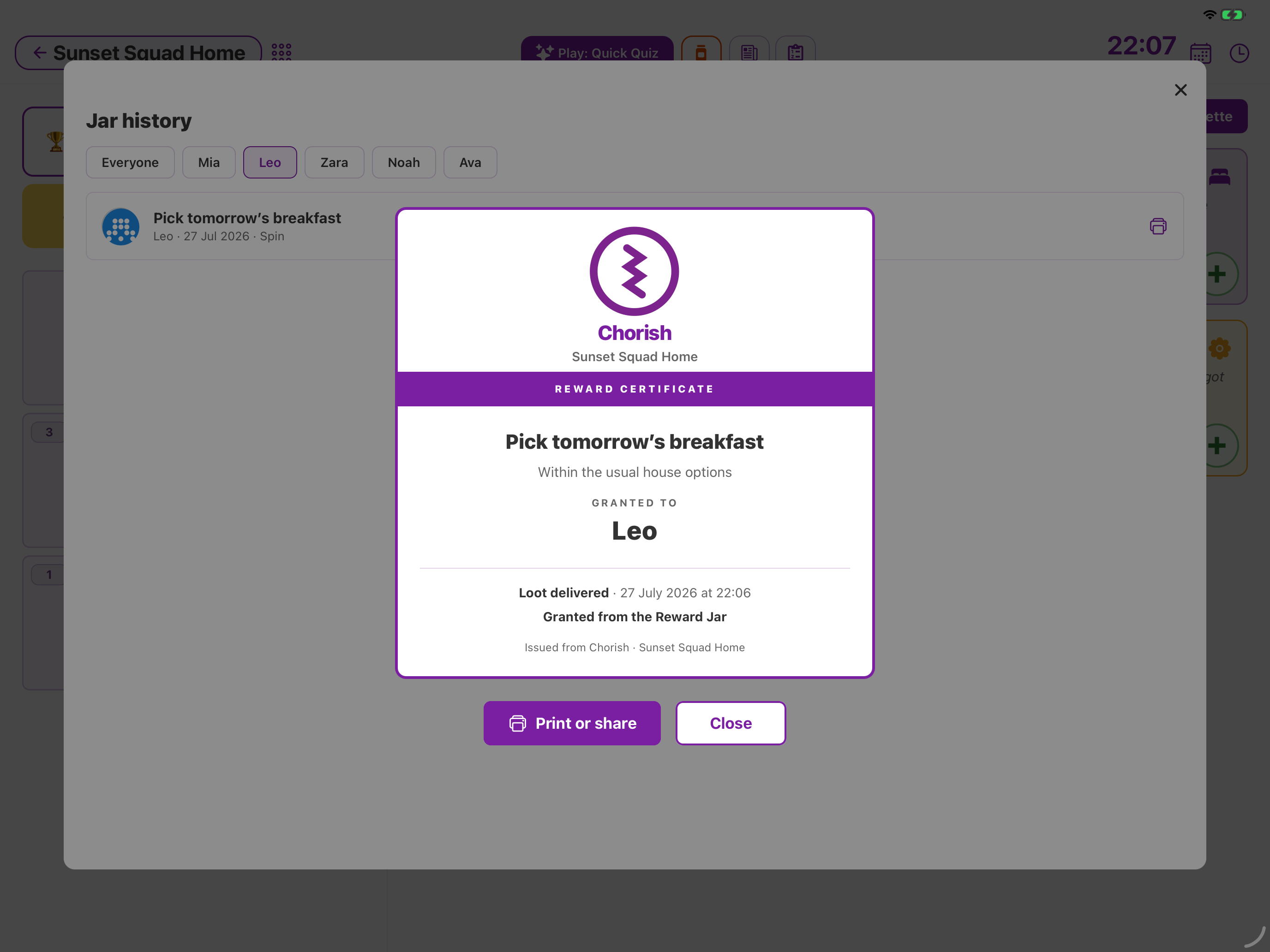
- Each row shows the treat, who got it, the date, and whether it was Select or Spin.
- Tap the print icon on a row to open a Reward Certificate, then Print or share.
How is this different from Reward Me or Goal Jar?
- Reward Jar — you give a treat for free (no points) to one person.
- Reward Me — someone spends points they’ve earned. (Chorish Plus)
- Goal Jar — one shared family prize; fill a marble jar together. (Chorish Plus) — see How does the Goal Jar work?
For points and redeeming rewards, see How do rewards and points work?.